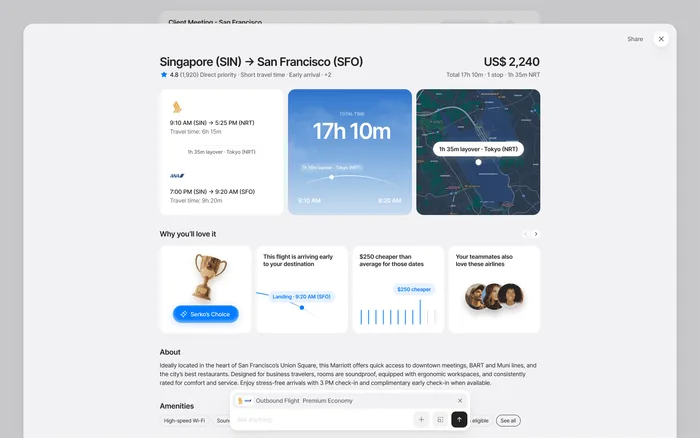
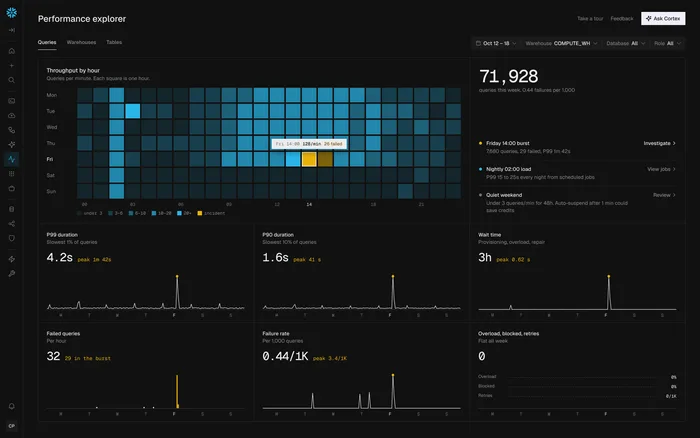
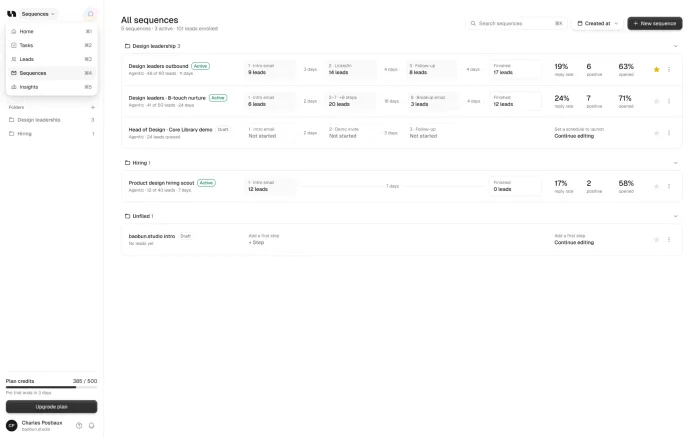

A Figma prototype links static screens together, so it’s quick and good for showing an idea. A coded prototype runs in the browser like the real product, with real inputs, states and data. Use Figma early. Use code when you need to test with real users, show complex behavior, or give engineers something to build from.
Our take: People behave differently when something feels real. If the decision is expensive, test it in a prototype that works like the product.
TL;DR
Figma
Quick, and good for early ideas and team reviews.
Code
Real inputs, states and data, on any device.
When to switch
When you test with customers, or the flow depends on data.
The bonus
Engineers can often start from the code.
What’s the difference
Both let people click through a design, but they’re built in different ways, and that changes what you can learn from them.
When Figma is enough
Use Figma while you’re still comparing directions, or when you need feedback from your own team this week. It’s also the right choice when the flow is short and the behavior is simple.
There’s no reason to write code for a question a few linked screens can answer.
When code is worth it
Code earns its place when you’re testing with real customers, because they react to what feels real. It also matters when a flow depends on data, filters or several states, which linked screens can only fake.
AI features almost always need it, since they only feel right with real responses. The same goes for anything sales or investors need to use rather than watch, or when your engineers want a working start instead of a picture.
How we use them
Coded prototypes come with every project that needs one, so there’s no separate price. They’re part of our redesigns, the monthly plan and the $7,500 two-week pilot.
It’s clean front-end code on your design system, so the build can often start from it. The code and the files are yours.
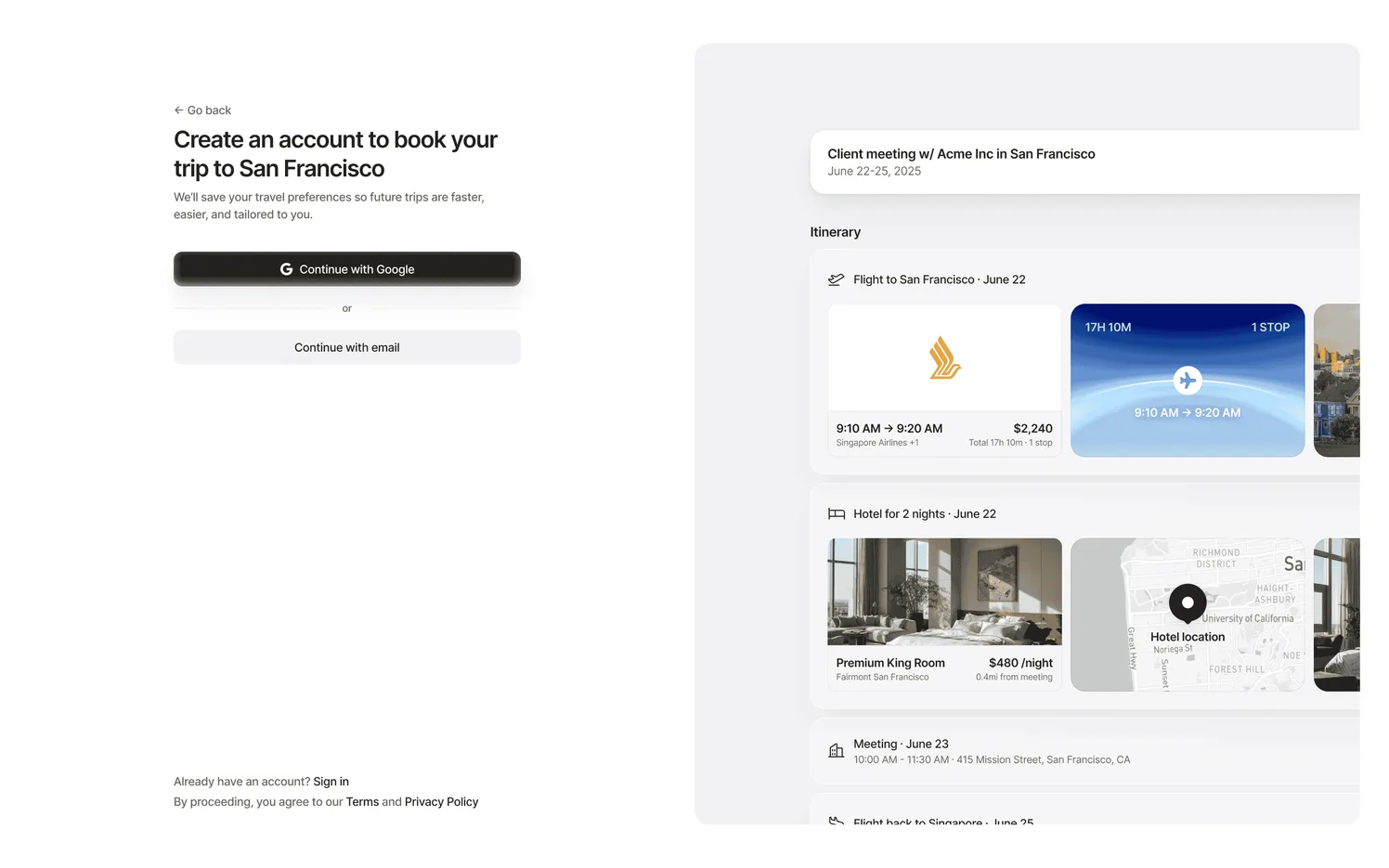
What to test with a prototype
A prototype earns its cost when it answers a real question. Pick one before you start, or you’ll get a nice demo and no decision.
Can people finish?
Give them the task, and watch where they stop.
Do they get it?
Ask what they think the screen does.
Do they trust it?
Above all with AI, payments and anything that can’t be undone.
How many people should try it?
Fewer than you’d think. Nielsen Norman Group’s advice is to test with no more than five users and run as many small tests as you can afford.
So don’t wait for a perfect study. Run a few sessions, fix what you see, and run a few more.
What happens to the prototype afterwards
A Figma prototype usually stays a reference. A coded one can do more. It’s clean front-end code on your design system, so your engineers can often start from it instead of from a blank file.
It also keeps being useful after the test. Sales can use it in demos before the feature ships, and new team members can click through the flow to understand it. That said, it isn’t production code. It doesn’t have your backend, your security or your edge cases, so your engineers still build the real thing.
Think of it as a working spec. It shows exactly how the product should behave, which is hard to describe in a document.
What it is
- A working spec
- A start for your engineers
- Useful for demos and new hires
What it isn’t
- Production code
- Connected to your backend
- Ready for every edge case
Sources