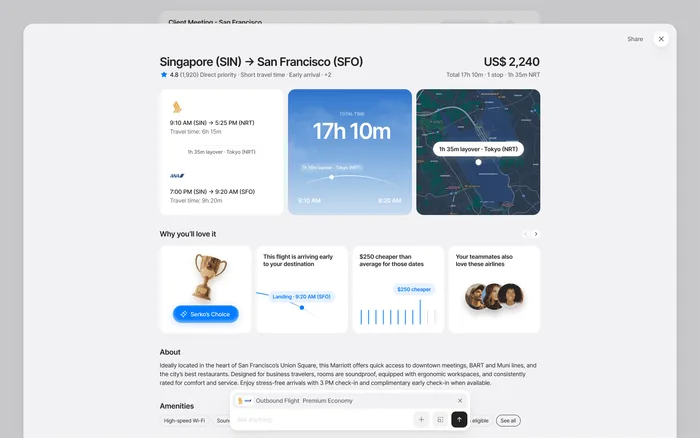
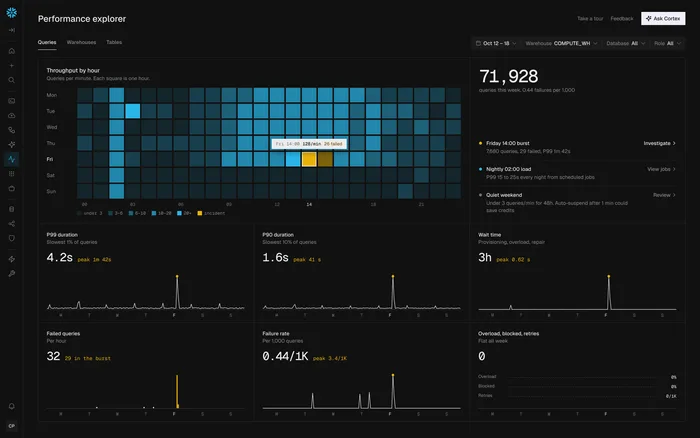
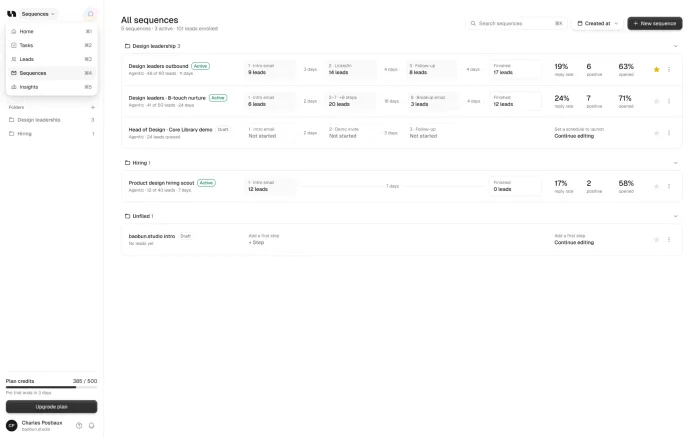

A SaaS redesign takes 4 to 12 weeks with a small senior team. A focused redesign of the core flows takes about four weeks, and a large product takes up to 12. One screen can take 48 hours. The number of flows, their complexity and how fast your team decides set the time.
Our take: Most redesigns run late because of slow decisions, not slow design. One person who can say yes saves more time than anything else.
TL;DR
With us
48 hours for one screen, two weeks for a pilot, about four weeks for the core flows, up to 12 weeks for a large product.
Other studios
They publish 2 to 8 weeks for one flow and 8 to 20 for a full redesign, so compare what each number includes.
What sets the time
The scope: how many flows, how many kinds of users, and how much data the screens show.
What slows it down
Slow decisions, not slow design. You can keep shipping while it happens, flow by flow.
How long each job takes
“Redesign” can mean one screen or a whole product, so the first job is to say which one you mean. When founders ask us about a redesign, they usually mean the flows their customers use every day, not every screen the company has ever shipped.
That matters, because the scope decides the time far more than the studio does. Here’s how long each kind of job takes with us, on a 12-week scale.
These times cover the design, from the first audit to files your engineers can build from. They don’t include the build itself, which depends on your team.
What other studios quote
We checked what other studios publish, so you can compare. Most agree on the shape: a few weeks for one flow, a few months for a full redesign. They don’t all measure the same thing, though. Orbix counts from research to launch, for example, while our numbers stop at the handoff to your engineers.
So when you compare quotes, ask what’s included. A shorter number may leave out research, or a design system. A longer one may include the build and the launch.
What four weeks looks like
A focused redesign is easiest to picture week by week. You see the work on a review call each week and in the Figma file as it grows, so nothing arrives as a surprise at the end.
Audit
Every screen and flow reviewed, with what holds the product back ranked first.
Core flows
The flows that matter most, redesigned and reviewed with you each week.
System and prototype
The design system, a coded prototype and every state specced.
By the end, your team has something they can click through and start building from: Figma files, a design system and a coded prototype your customers can try.
What makes a redesign take longer
A product moves toward 12 weeks when there’s simply more of it. More flows is the obvious reason, but three other things add time quickly.
Several kinds of users
Admins and daily users often need different screens. Squeezing them into one UI is usually part of the problem.
Roles and permissions
Every role multiplies the states to design, and each one needs its own decisions.
Data-heavy screens
They need realistic data to design well, because fake, perfect numbers hide the real problems.
None of that is a problem, as long as the scope says so before you sign. What hurts is finding out later.
A product at the long end
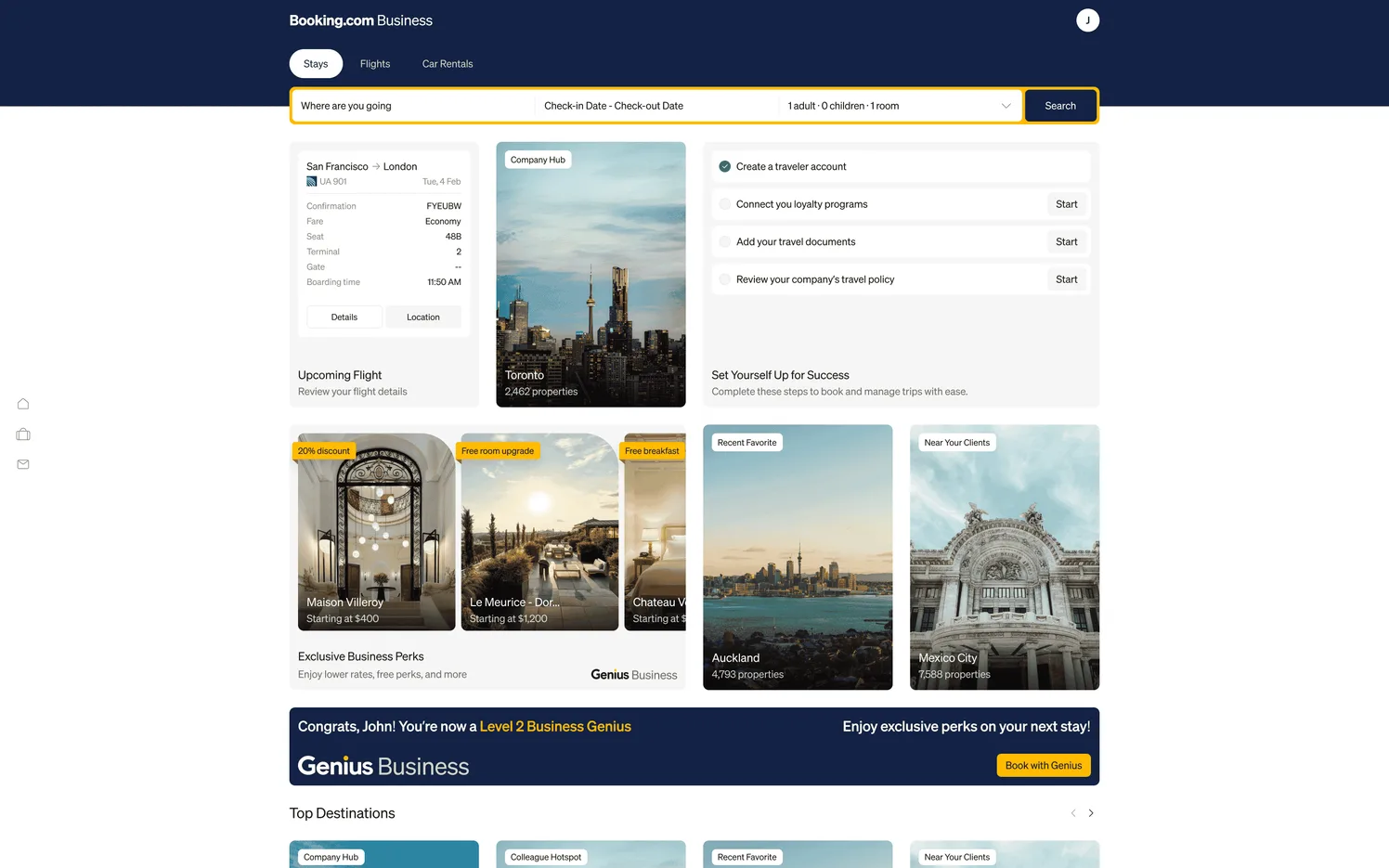
Booking.com for Business is a good example of why complex products take longer: company policies, team trips and busy travelers all had to fit a flow people already know from their holidays.
Why redesigns run late
In our experience, the design is rarely the slow part. The slow part is usually a decision that nobody owns. If five people give feedback and none of them can say yes, every review turns into another round.
The other common causes are a scope that keeps growing after the work has started, no access to real data or to the people who use the product, and waiting a week for answers that could take a day.
All four are fixable before the project starts, and none of them need a bigger team. Adding designers to a redesign rarely makes it faster, because decisions become the slow part.
Can you keep shipping during a redesign?
Yes, and you should. You don’t need to stop your roadmap or launch everything in one go. We redesign the flows that matter most first, and your team keeps shipping. The new screens go in flow by flow as they’re ready.
This lowers the risk too. A big launch puts everything on one date, while going flow by flow lets you see each change working before you start the next one.
One big launch
- Everything lands on one date
- Months before anyone sees it
- Hard to tell what worked
Flow by flow
- Your team keeps shipping
- Each flow goes live when ready
- You see results as you go
How to get ready
Four things make the biggest difference, and you can do them this week.
Name one decision maker
One person who can make the final call, so reviews end in a decision.
Pick the flow to start with
The one that costs you the most: often sign-up, onboarding or the task people come for.
Get realistic data ready
So nobody designs with fake, perfect numbers.
Line up a few customers
They’ll try the prototype before anything is built.
If you’re not sure where to begin, an audit will tell you. Our free UX audit is a 2-3 minute Loom on what to fix first, and it’s a good way to see how we think before you commit to anything.
Sources