
A UX audit is a review of your product’s screens and flows that finds what stops people from getting their job done, and ranks what to fix first. A good audit ends with a short, ranked list you can act on, not a long report. Do one before a redesign, or when sign-ups and usage stall and nobody can say why.
Our take: An audit is only useful if it’s ranked. Forty findings of equal weight tell your team nothing about Monday morning.
TL;DR
What it is
An expert review of your screens and flows, ranked by what costs you most.
What you get
A short ranked list: where each problem is, why it hurts, what to do.
When to do it
Before a redesign, or when usage stalls and nobody knows why.
What it isn’t
User research. An audit suggests problems, and real people confirm them.
What an audit looks at
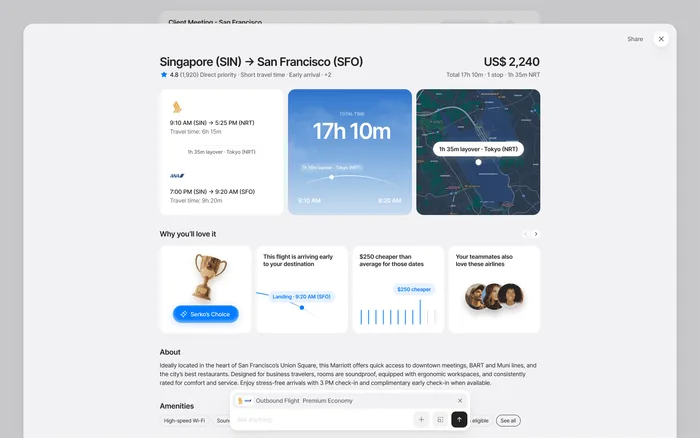
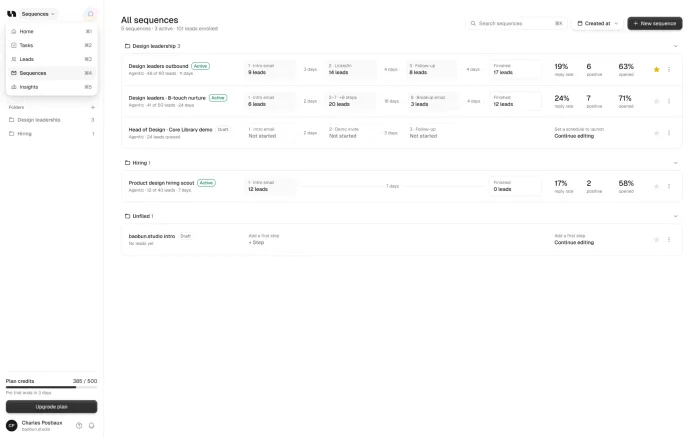
An audit follows your product the way a customer does. It starts with the first session: sign-up, onboarding and the first useful moment. Then it moves to the tasks people come for, and how many steps each one takes.
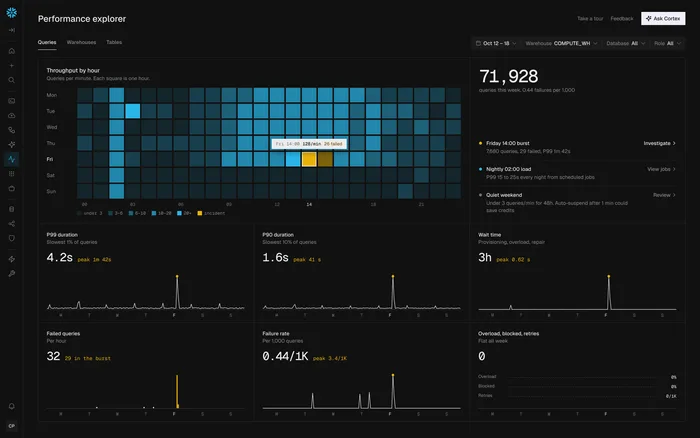
It also looks at what teams tend to skip, such as empty, loading and error states. It checks whether the screens feel like one product, and whether paid plans are offered at a moment that makes sense.
First session
Sign-up, onboarding and the first useful moment.
Core tasks
What people come for, and how many steps each takes.
Consistency
Whether the screens feel like one product.
Missing states
Empty, loading and error screens.
What you should get at the end
You should get a ranked list, with a reason for each item. For every problem, it should say where it happens, why it hurts and what to do about it, with the most costly ones first.
That ranking is the whole point. If the audit can’t tell your team where to start, it isn’t finished.
When it’s worth doing
The best time is before a redesign, so the money goes where it matters. It’s also the right move when trials don’t convert and nobody can say why.
There are softer signs too. Sales may skip certain screens in the demo, or a product built fast may start to feel like five different apps. In both cases, people already know something is wrong, and an audit shows them what.

How ours works
The first look is free. Our free UX audit is a 2-3 minute Loom on what to fix in your UX and conversion.
Every redesign and pilot then starts with a full audit of your screens and flows, with what holds the product back ranked first.
Audit or user testing?
They answer different questions. An audit is an expert review against known principles, such as Jakob Nielsen’s 10 usability heuristics. It’s fast, and it finds likely problems.
User testing shows what real people do. Nielsen Norman Group’s advice is to test with no more than five users and run as many small tests as you can afford, instead of one big study. The best work uses both: an audit to decide what to look at, then a small test to check it.
A UX audit
- An expert review
- Fast, and often the first step
- Finds likely problems
User testing
- Real people using the product
- A few sessions, repeated
- Confirms what’s really happening
How to act on the results
Start at the top of the list and fix one thing properly. A common mistake is to fix ten small things and leave the biggest problem alone, because it’s harder.
Then check that it worked, in your analytics or with a few users, before moving on.
What makes a good finding
A weak finding says “the navigation is confusing”. A good one says where it happens, who it affects and what to change: “Admins can’t find billing because it sits under Profile. Move it to Settings.”
That difference matters because your team has to act on it. A good finding can go straight into a ticket, while a vague one starts a debate. When you read an audit, try turning each item into a task. If you can’t, ask the person who wrote it to be more specific.
Screenshots help too, along with a short note on why the problem costs you something: lost trials, support tickets or a slower demo. That’s what lets you rank the list with confidence.
Weak finding
- “The navigation is confusing”
- No location or user
- Starts a debate
Good finding
- “Admins can’t find billing”
- Says where, who and what to do
- Goes straight into a ticket
Sources